Loom-style screen recording for AI software teams
Record once.
Align product, engineering, and AI.
Recon records product walkthroughs, bugs, and build ideas like Loom, then turns them into collaborative, repository-aware implementation plans your team can review before AI starts writing code.
Project pricing
Substantially cheaper than per-user video seats.
Repo-aware plans
Connect one or more GitHub repos like your IDE would.
Team-safe AI
Keep tickets, changelogs, and review workflows intact.
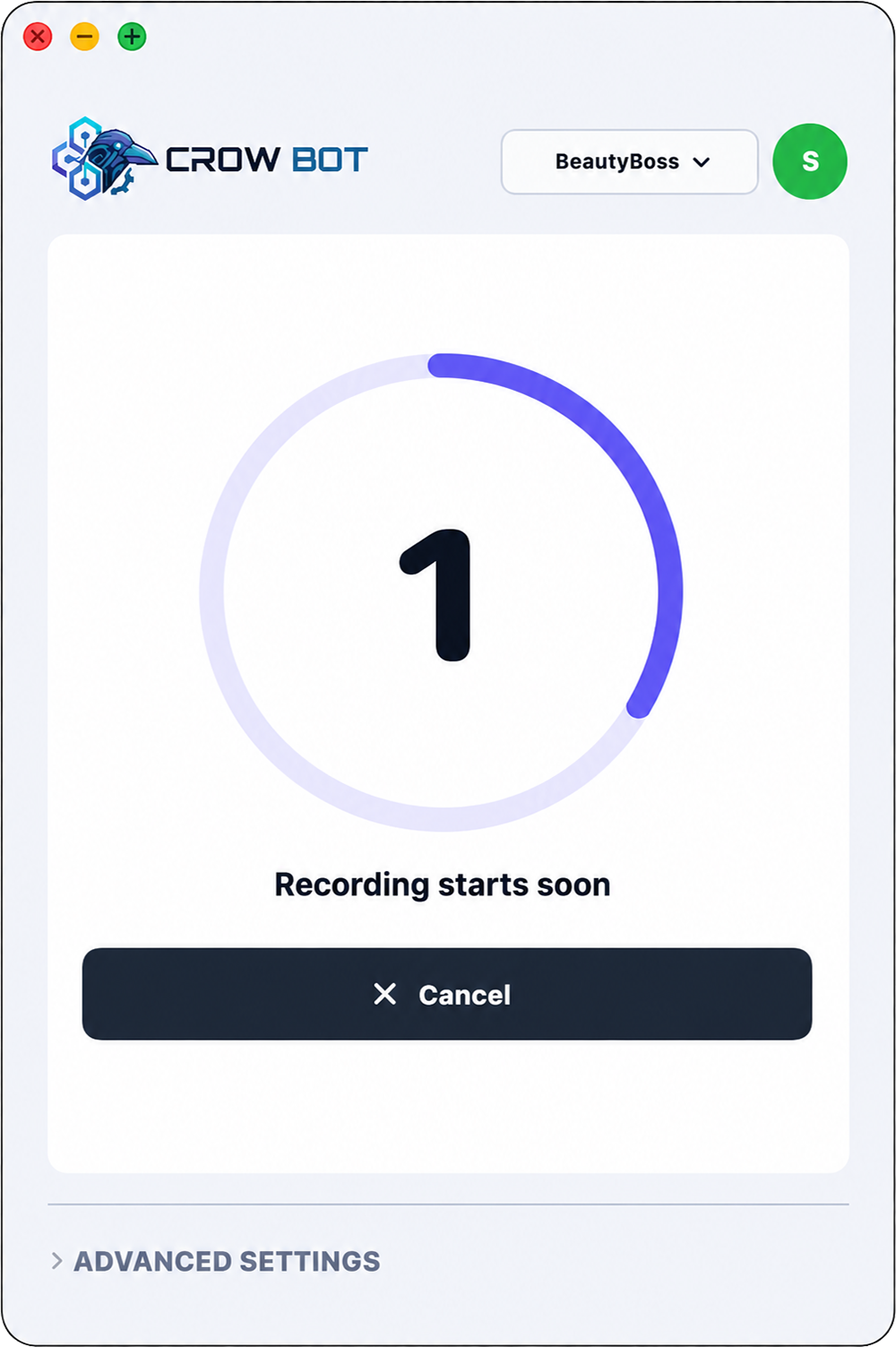
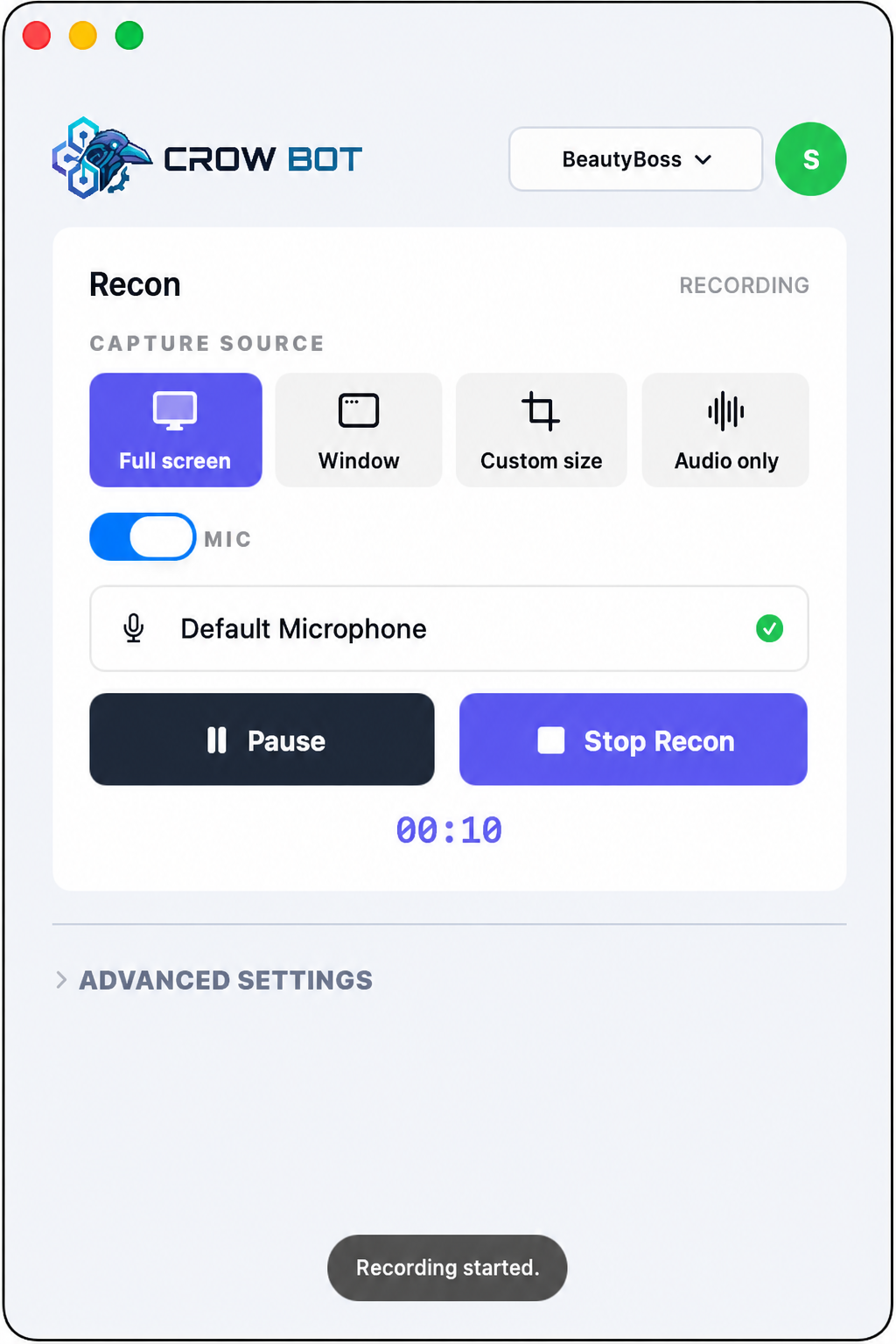
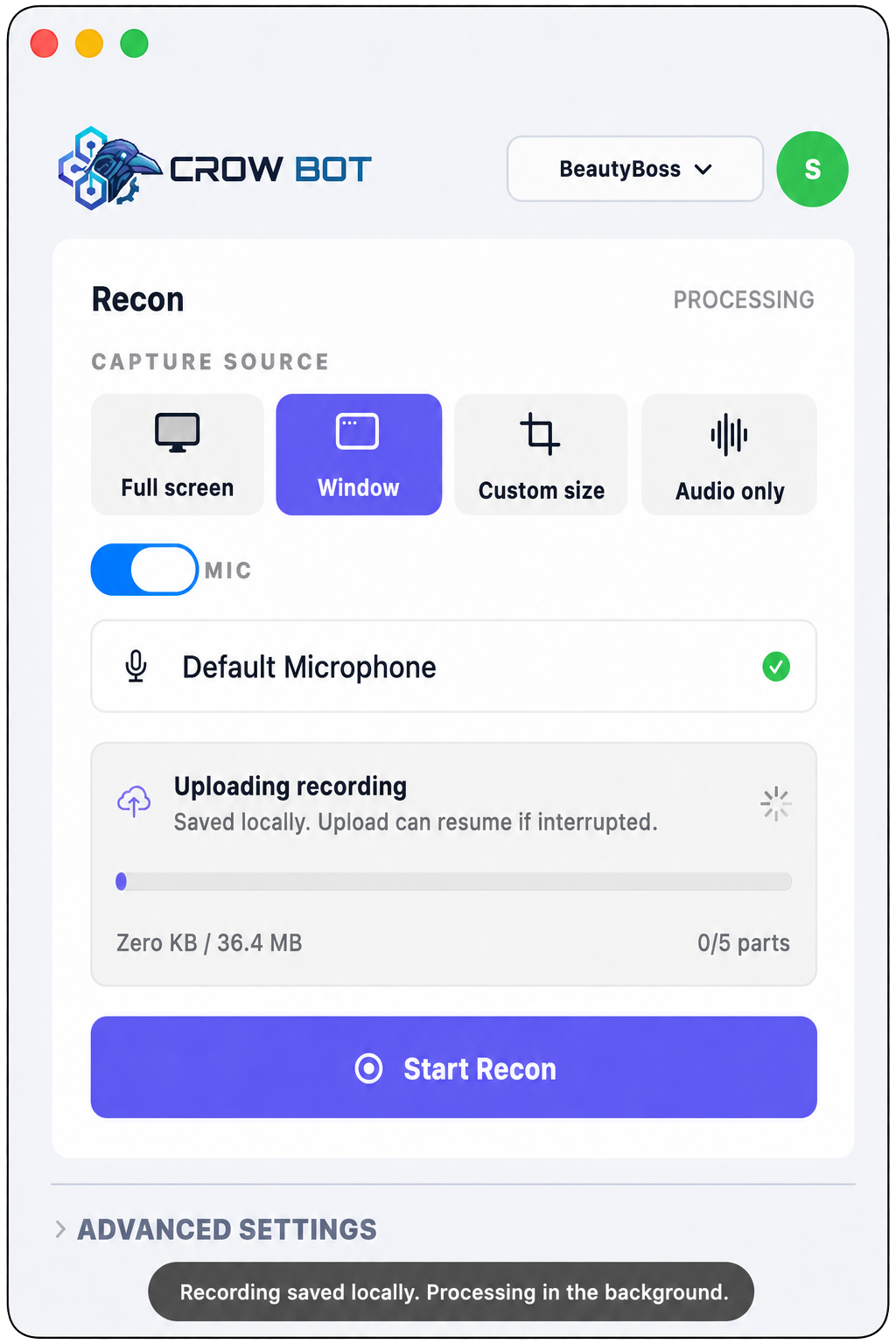
What Loom leaves behind
Every recording becomes usable build context.
Capture the screen and voiceover, then keep the transcript, key frames, repositories, tickets, and reviewers attached to the plan.
Record like Loom. Plan like Recon.
A screen recording is just the first artifact. Recon turns it into a shared plan your team and AI can act on.
Capture
Desktop, window, tab, or audio-only
Plan
Transcript, screenshots, repos, reviewers
Build
AI-ready technical scope
A Loom replacement with developer-grade output
Screen recordings should become build decisions, not another loose video link.
Recon keeps the speed of a narrated recording, then adds the repository context, team review, ticketing, and AI handoff that software organizations need.
Record
Capture the app, bug, prototype, or workflow while you explain what matters, just as naturally as a Loom.
Plan
Convert one or many recordings into a reviewed implementation plan with sources and repos attached.
Build
Send a thorough plan to AI coding tools while keeping team members, tickets, and review workflows aligned.
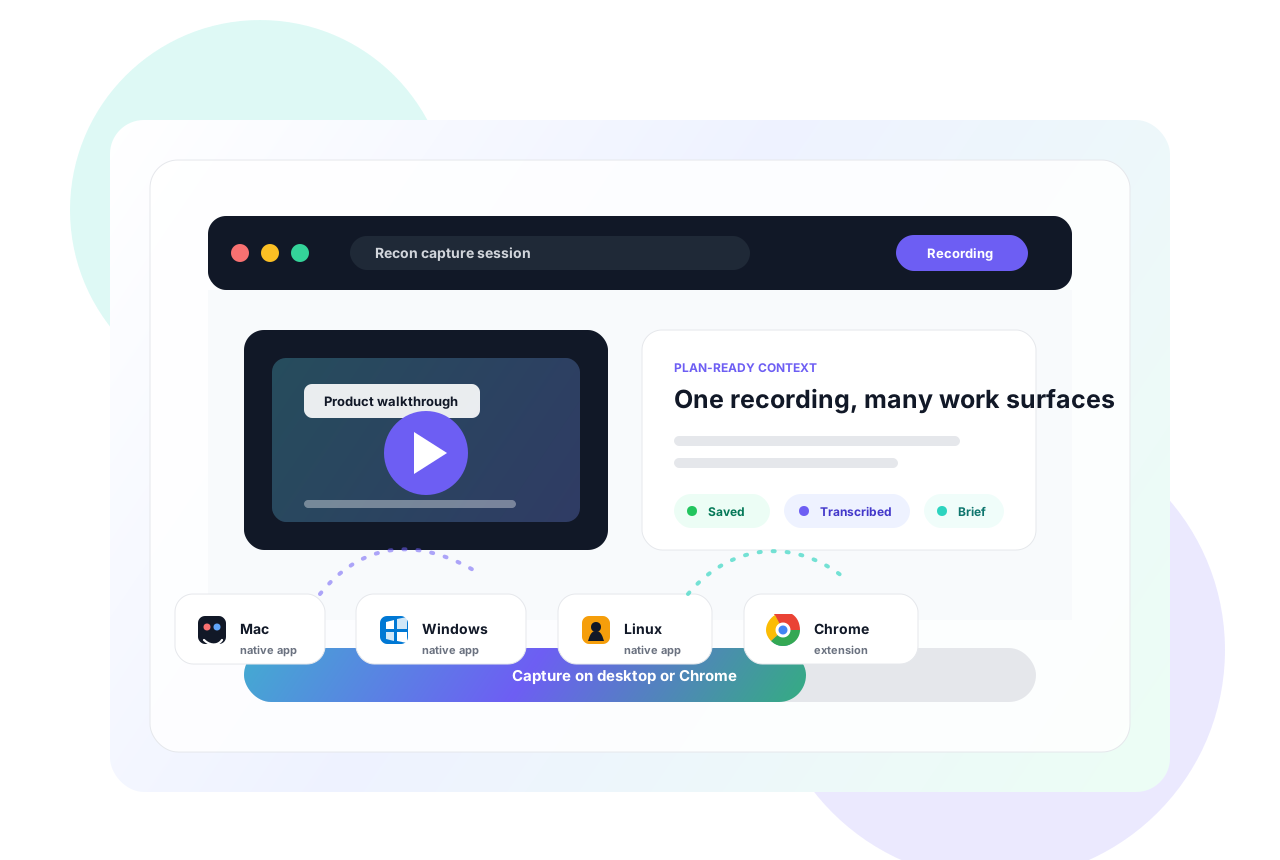
Capture from the desktop or browser
Wherever the work happens, Recon records it.
Capture native desktop workflows on Mac, Windows, and Linux, or use the Chrome extension when the context is already in the browser.
Workflow
From spoken context to reviewed, repo-aware AI work.
01
Record and narrate
Use the Chrome extension or desktop app to capture the screen, a window, a tab, or audio-only context.
02
Recon assembles the brief
Video, transcript, key frames, screenshots, and artifacts stay together as a shareable source of truth.
03
Collaborate before code
Share plans with stakeholders, attach more recordings, and revise scope before implementation starts.
04
Hand off to AI
Track plans through review, connect GitHub, Jira, or Linear, then let AI code from a detailed technical plan.
Collaborative AI plans
Turn recordings into plans your team can trust.
Attach recordings, repositories, tickets, and reviewers to one implementation plan, then move it through review before AI starts changing code.
Repository aware
Attach the GitHub repos the plan should understand, just like an IDE-aware coding workflow.
Multi-recording plans
Product, engineering, QA, and design can add separate Recons to one larger plan.
Ready for build
The technical plan has enough detail for AI-assisted coding after humans review it.
Ticket memorialized
Turn approved plans into Jira or Linear tickets so the changelog still tells the truth.
Integrations and capture
Adopt AI workflows without breaking grown-up software process.
Connect repositories, ticketing, desktop recording, and browser capture so AI-generated work still moves through the systems your team already trusts.

GitHub
Attach implementation plans to repositories, issues, and pull request work.

Jira
Connect reviewed scope to tickets, epics, and delivery workflows.

Linear
Keep product context close to lightweight engineering planning.

Chrome extension
Capture browser context from the tab you are already using.

Mac app
Record flows that span desktop apps, simulators, and browsers.

Windows app
Capture QA, customer success, and product walkthroughs on Windows.

Linux app
Record developer workflows from Linux desktops and local tools.
Dispatch included
Dispatch keeps one-click fixes compatible with the way companies already ship.
The Chrome extension automatically annotates popular observability and error pages, captures stack traces, builds one-shot fix context, and can create ticketed work so every AI-assisted fix still lands in your normal changelog.
Dispatch payload
Project-based pricing
Substantially cheaper than per-user screen recording seats.
Loom-style per-user pricing starts overcharging the moment product, engineering, QA, design, and leadership need context. Recon prices around project workspaces, so the people reviewing the plan do not become a seat-tax problem.
Solopreneur
Free 10-day trialBest when one person owns the build plan.
- Unlimited plan viewers
- AI technical plans
- Desktop apps
- GitHub repo awareness
Startup
Free 10-day trialDefault choice for teams shipping together.
- 2 to 10 contributors
- Jira and Linear connectors
- Shared plan board
- Ticketed changelog handoff
FAQ
Questions before you record?
Recon is built for software work after the recording. It captures the walkthrough, creates a structured technical plan, supports review, and keeps the plan connected to implementation tools.
Yes. Solopreneur projects are designed so builders can share plans with as many reviewers or stakeholders as they need without paying per viewer.
Yes. Startup workspaces are designed for multiple contributors who can record Recons, attach them to plans, and collaborate before the plan is marked ready for build.
Recon can help track plans and connect implementation work to GitHub, Jira, or Linear so the reviewed plan does not get lost after the recording.
No. The Chrome extension is available for browser-first capture, and native apps are available for Mac, Windows, and Linux when you need cross-platform recording.
Yes. Dispatch, also known as Send a Crow, is included with Recon plans for fast screenshots, markdown, stack traces, and page-context handoff.
Record the context. Review the plan. Build with AI.
Recon gives engineers and product managers a faster path from spoken product context to implementation-ready technical plans.